01 / CHOOSEPick
Pick
the tools.
Choose the work apps you want available. During a focus session, reviewed apps outside your selection are minimised when brought forward.
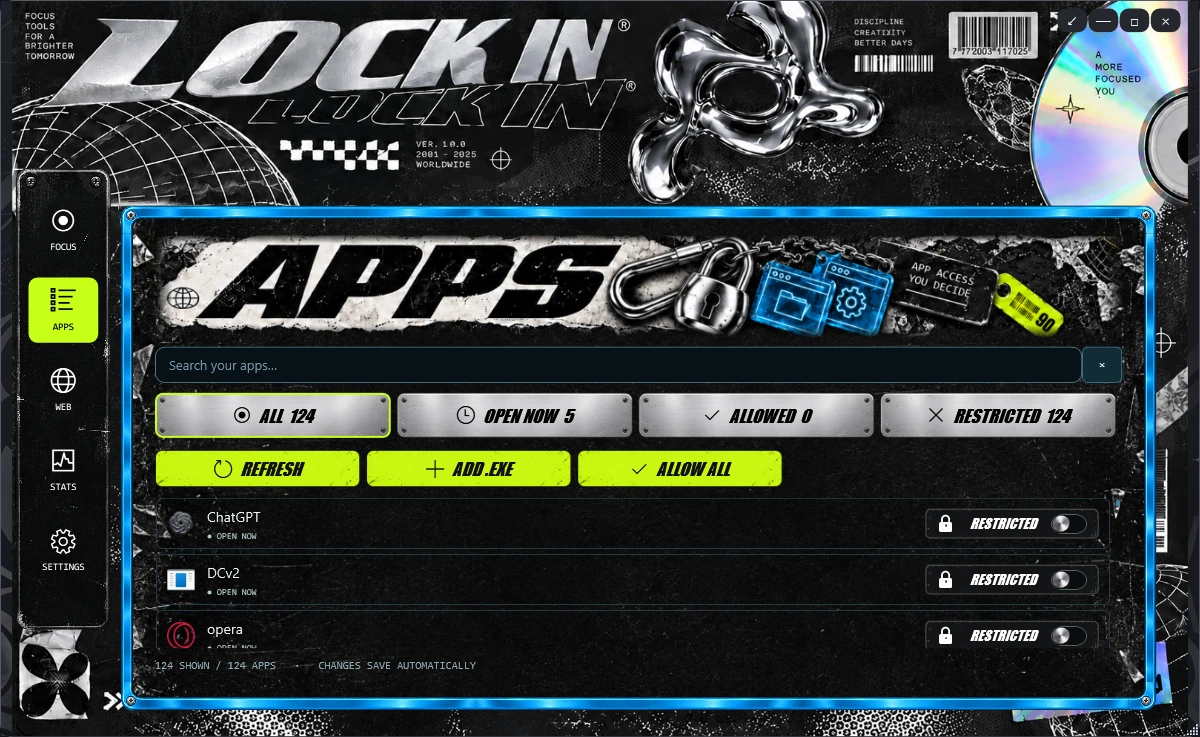
Make room for what matters.
EXPLOREA focus app for Windows
Say what you want to do, review your tools, and start. Or choose your apps and timing manually.
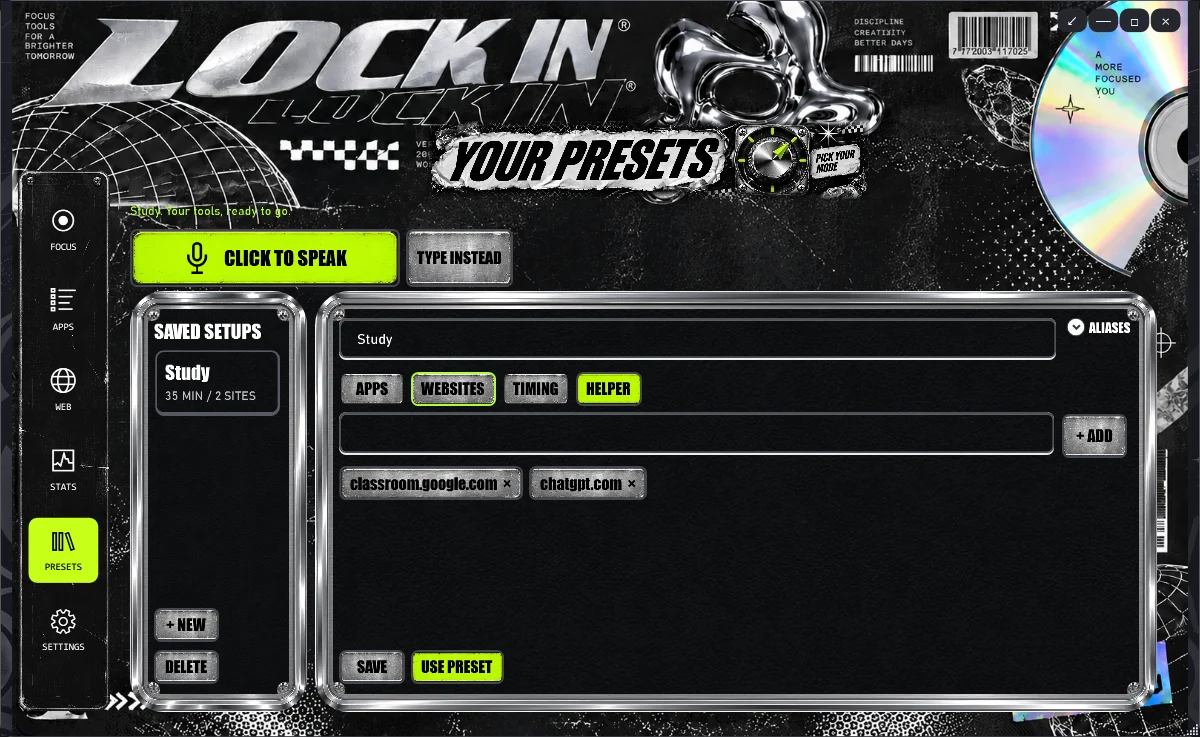
Open Presets and choose Talk with Assistant. Its separate window stays open if you minimize LOCK IN. Tap the microphone to talk; the assistant speaks its replies. Review the choices, then Use preset. No API key to find or paste.
Choose the work apps you want available. During a focus session, reviewed apps outside your selection are minimised when brought forward.
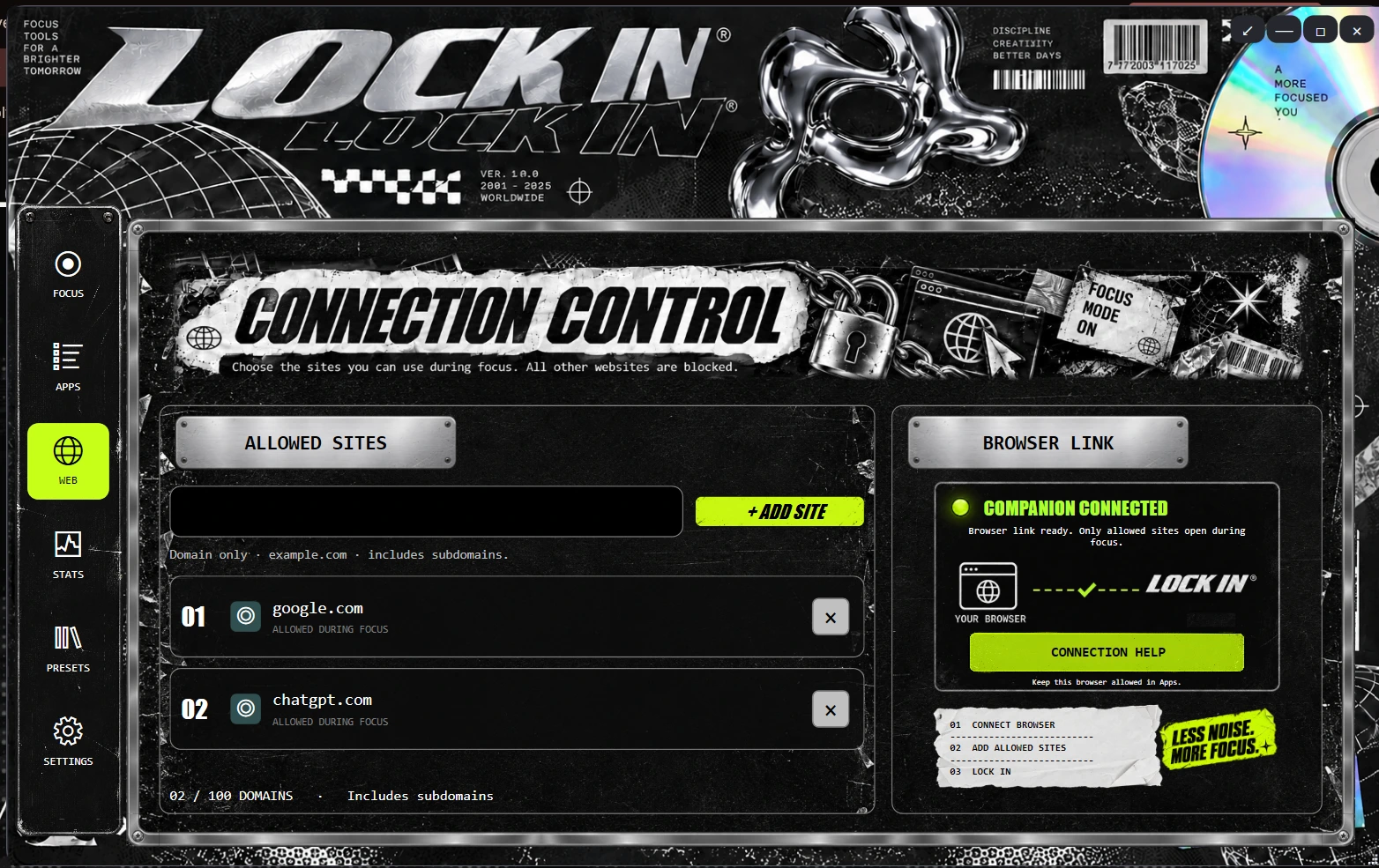
Use the Chrome or Edge companion for website rules. Choose what belongs in your session, then check that the browser and app are connected.
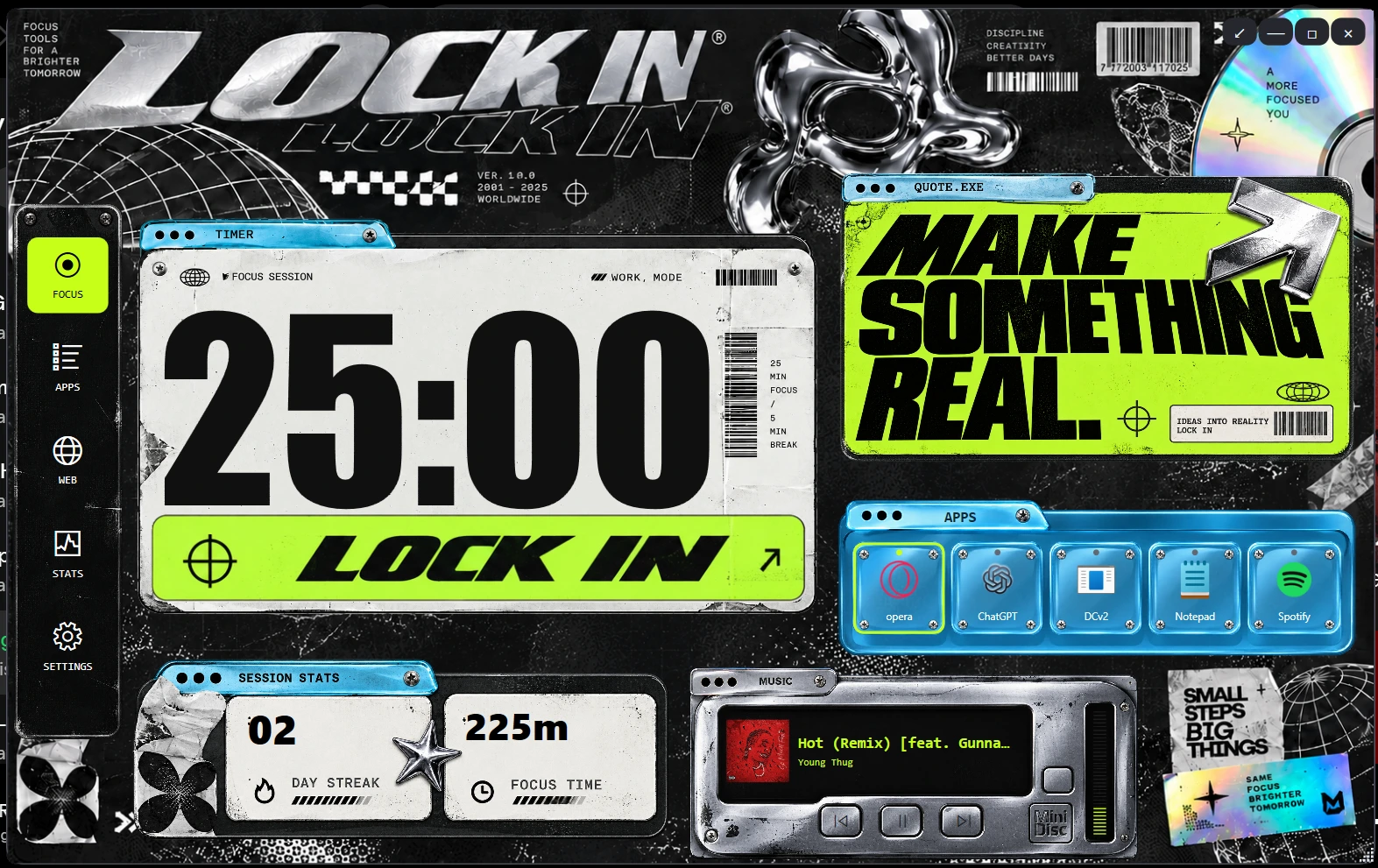
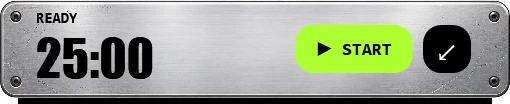
Give your work a focus session and a break. Keep a compact timer nearby while you get on with it.
A different task needs different tools. Try this local website demo, then use voice or manual presets in the Windows app.
One app or website per line.
Ready when you are.
Less scrolling. More of what you came here to do.
No. The controls here demonstrate a workflow in your browser. Download and configure the Windows app to use its focus features.
No. It minimises reviewed foreground apps that aren’t allowed for your session. Unknown apps and protected system components remain available.
The browser companion in Chrome or Edge, its native-host registration, and a connection to the desktop app. Check connection status before relying on website restrictions.
Yes. Version 0.4.1 includes saved presets, a separate talking assistant window, spoken replies and a microphone picker. Voice uses the LOCK IN backend and Google Gemini; you do not enter an API key. Internet access and shared service allowances apply. Temporary service errors can occur, and manual presets remain available.
The quiz and demo use memory in this page. Reloading clears them. This website has optional visitor analytics, but no account or server-side form submission.
This Windows 10/11 x64 installer is unsigned. Windows may show a publisher or reputation warning. Clean-PC installation and physical microphone compatibility have not been fully verified.
Yes. The app includes emergency exit controls with a countdown and code. Closing the app releases app restrictions. The browser extension can also be disabled.