01 / CHOOSEPick
Pick
the tools.
Choose the work apps you want available. During a focus session, reviewed apps outside your selection are minimised when brought forward.
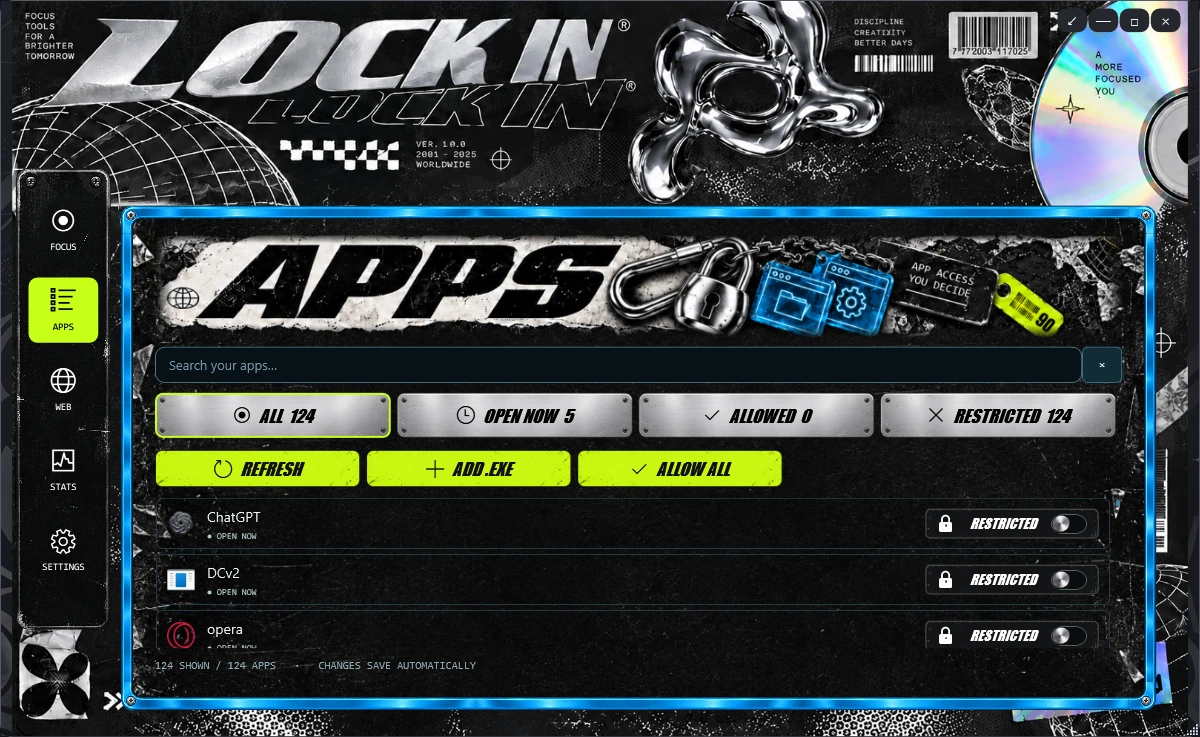
Make room for what matters.
EXPLOREA focus app for Windows
Pick the apps you need. Give the session a finish line. Keep the work in front of you.

Choose the work apps you want available. During a focus session, reviewed apps outside your selection are minimised when brought forward.
Use the Chrome or Edge companion for website rules. Choose what belongs in your session, then check that the browser and app are connected.
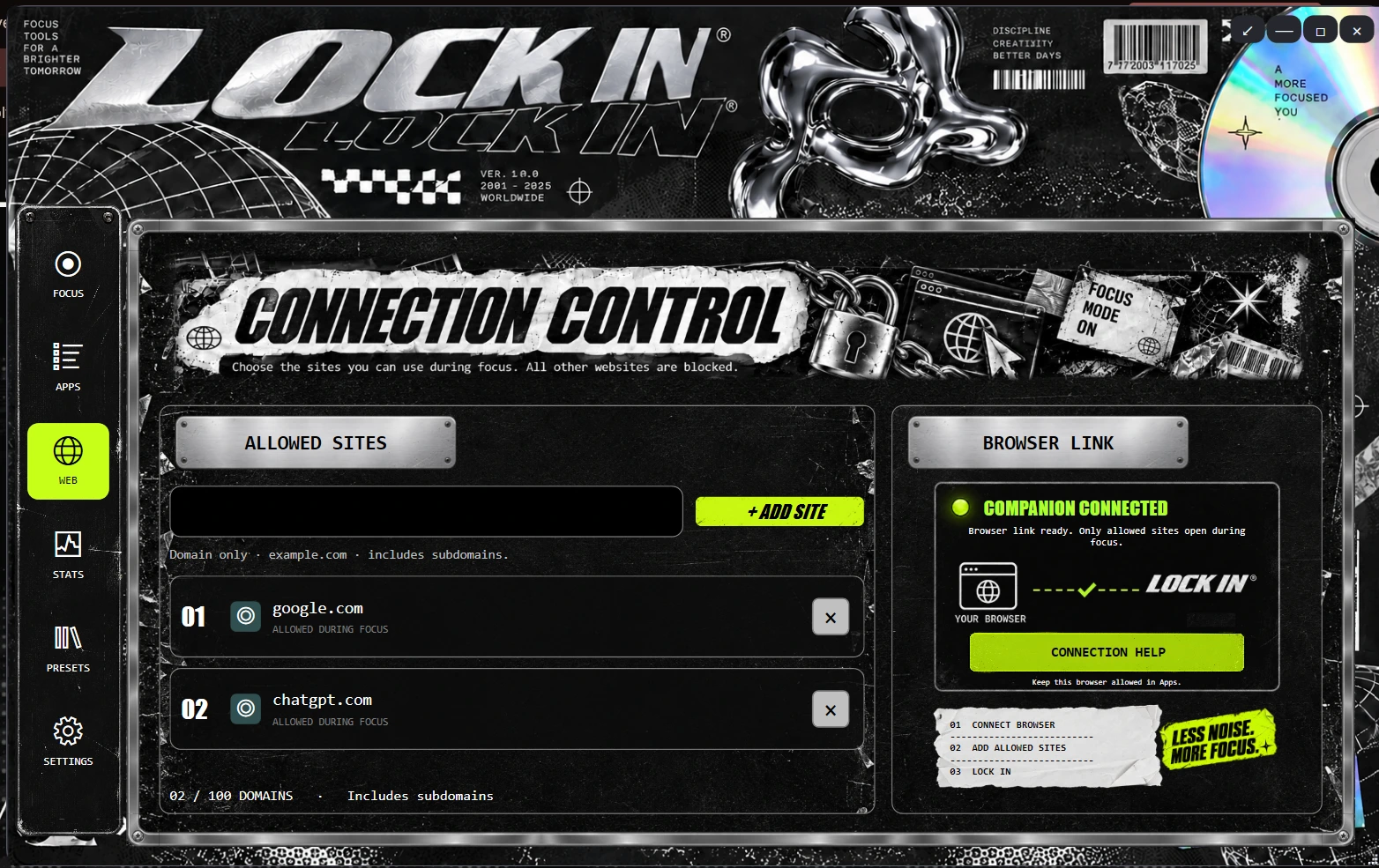
Give your work a focus session and a break. Keep a compact timer nearby while you get on with it.
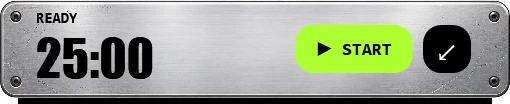
A different task needs different tools. Try a setup, change it, see how it feels.
One app or website per line.
Ready when you are.
Less scrolling. More of what you came here to do.
No. The controls here demonstrate a workflow in your browser. Download and configure the Windows app to use its focus features.
No. It minimises reviewed foreground apps that aren’t allowed for your session. Unknown apps and protected system components remain available.
The browser companion in Chrome or Edge, its native-host registration, and a connection to the desktop app. Check connection status before relying on website restrictions.
The demo previews newer preset work. The linked installer is version 0.3.0-beta.1; don’t use this demo as a promise of preset or helper features in that build.
The quiz and demo use memory in this page. Reloading clears them. This website has no analytics, account, or server-side form submission.
Yes. The app includes emergency exit controls with a countdown and code. Closing the app releases app restrictions. The browser extension can also be disabled.